
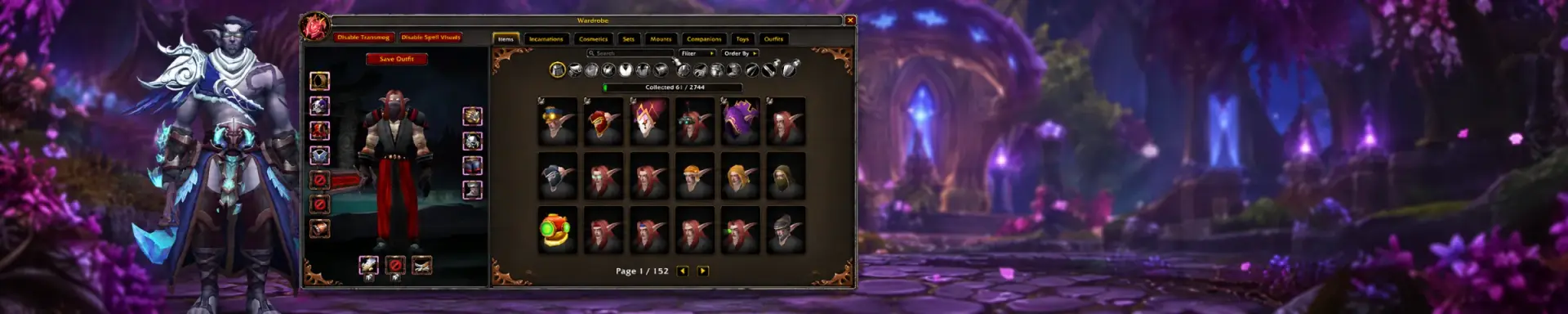
Your collection in one place
The Wardrobe brings appearance categories and collection tabs into one interface. Search for an item or set, compare available options and preview the result on your character.
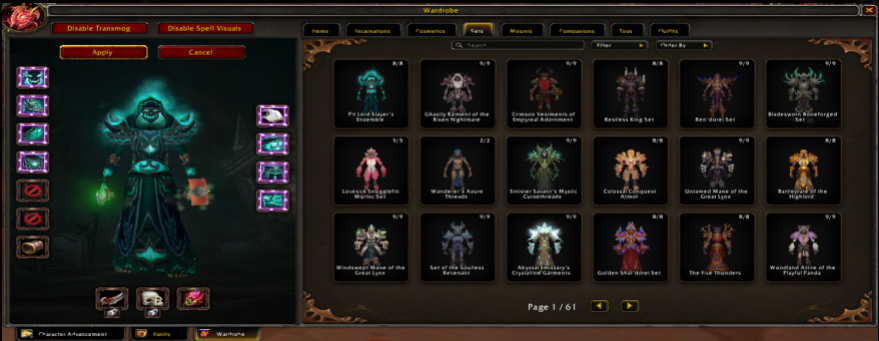
Preview before you apply
Work through the equipment slots, choose an appearance and inspect the whole outfit. Applying an available look changes its visual presentation; your equipped items still determine their combat attributes.
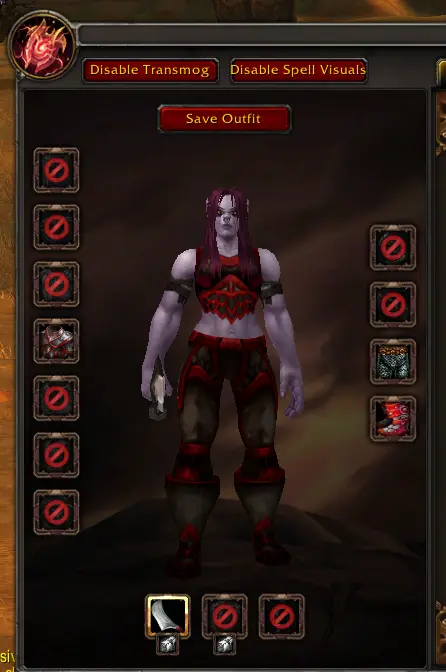
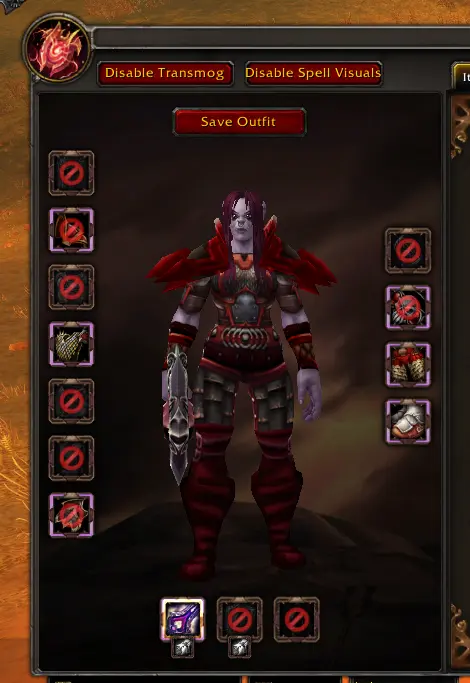
More than equipment
Use the category tabs to move between appearances and other collectibles. Search and filters help locate a specific piece without scanning the entire collection.
Sets & outfits
Compare complete looks and combine available pieces into your own identity.
Mounts & companions
Browse your travel companions and the creatures that accompany your adventures.
Toys & cosmetics
Explore the remaining categories through their dedicated tabs and previews.
Testing access and launch progression
Collections may be broadly unlocked during testing so players can inspect and report problems. Those temporary unlocks do not define what an official launch account will own.
The planned progression is based on what you earn through play and eligible future store acquisitions. A visible preview does not mean an appearance is unlocked. The store and donations remain closed during prelaunch.
Control your visual experience
The client includes controls for transmog and spell visuals. Review these options when you want to compare an outfit, simplify what you see or return to the appearance of equipped gear.